Align spend with ownership
Track costs against limits for customers, projects, services and teams, so stakeholders can see where they stand.
Set spend thresholds for a customer, project, service or team. Use alerts and forecasts to see when cloud usage needs attention and decide how to respond.

Track costs against limits for customers, projects, services and teams, so stakeholders can see where they stand.
Configure threshold alerts to prompt a review as reported spend approaches a limit.
Every limit shows current spend, forecast and headroom in one glance.
Cloud Ctrl is built and hosted in Australia. Usage and billing data stays in Australian-hosted infrastructure, and a customer-controlled Azure deployment remains available for stricter requirements.
A useful budget view reflects how your business works. Set limits around customers, projects, services or teams rather than relying only on a total cloud bill.
Define the limit and alert thresholds so the people responsible can review spend against the plan. Spend Limits monitors reported costs; it does not stop infrastructure or enforce a hard spending cap.
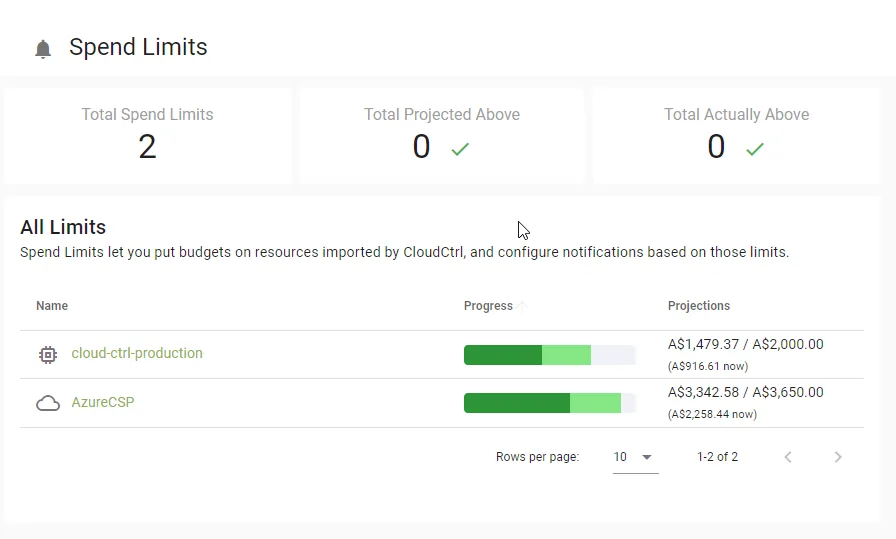
Spend Limits projects the month-end position from the current run-rate. Use the forecast to discuss likely demand and budget pressure before the next invoice, and review it as new billing data arrives.
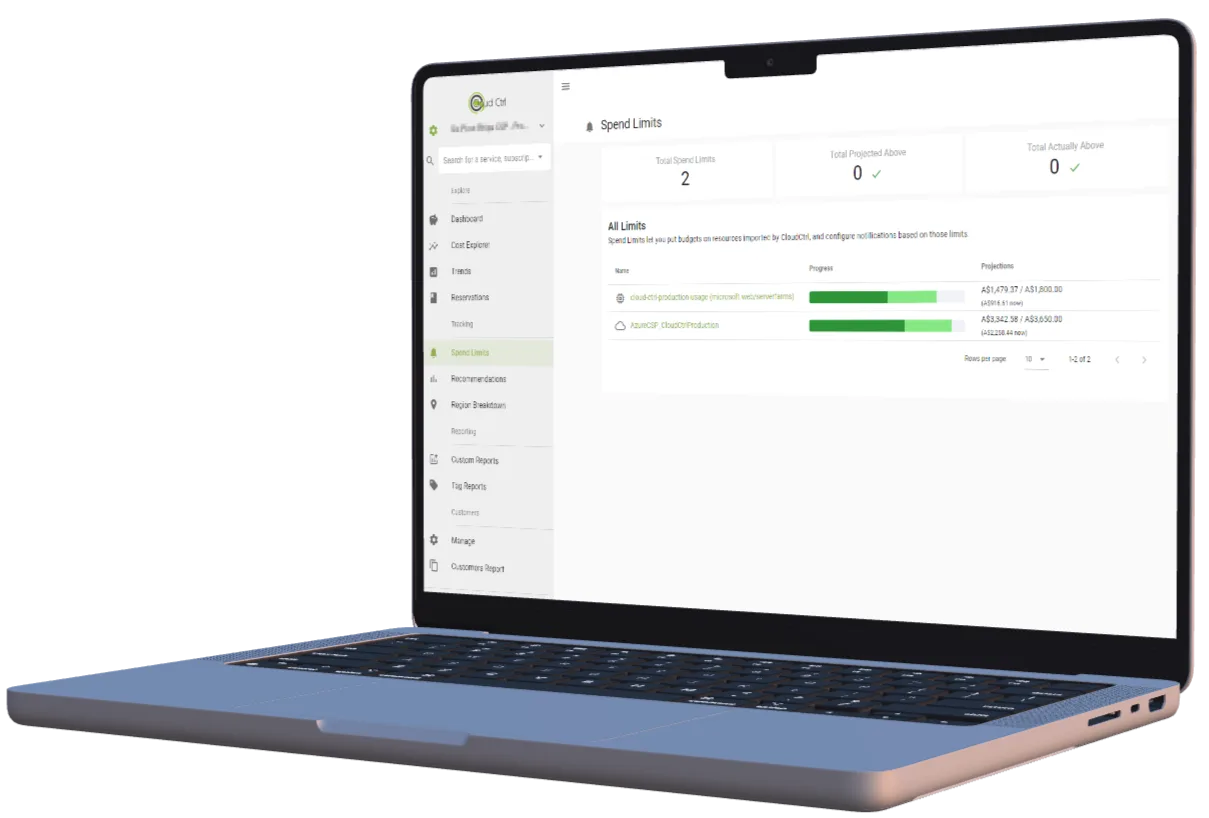
Choose the slice, set the limit and the alert thresholds.
Stakeholders see current spend and forecast headroom.
Configured thresholds trigger notifications based on reported spend.
Investigate the driver in Trends and agree whether to change usage or revise the budget.