Connect more of the bill
Bring imported service billing into the same view as your connected cloud and AI accounts.
Import telephony, broadband, on-premises and data-centre billing alongside cloud and AI spend. Understand more of the services your teams and customers use without maintaining a separate reporting process.
Bring imported service billing into the same view as your connected cloud and AI accounts.
Load datasets through the same pipelines that shape vendor billing.
Add pricing rules where imported usage needs a rate.
Cloud Ctrl is built and hosted in Australia. Usage and billing data stays in Australian-hosted infrastructure, and a customer-controlled Azure deployment remains available for stricter requirements.
Technology decisions often span cloud and other services. Import the usage and billing datasets you need so teams and customers can review those costs together, with a shared basis for allocation and planning.
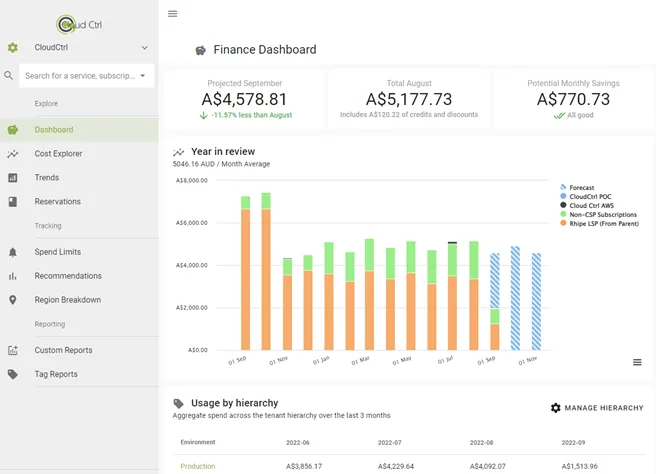
Custom datasets flow through the same pipelines and reporting as vendor billing. Allocate, reprice and share them with the identical tooling your team already knows.
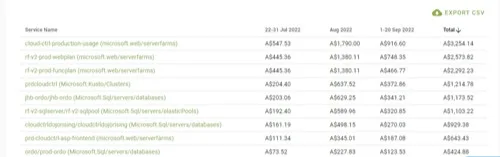
Import billing from telephony, connectivity, on-premises or data-centre sources.
Tag, price and normalise each dataset as it loads.
Report on imported service costs alongside cloud and AI spend.
Publish the combined view to customers or stakeholders.