Optimisations, unified
View recommendations from supported cloud vendors alongside Cloud Ctrl's own recommendations in one screen.
Bring vendor recommendations and your own optimisation rules into one list with estimated savings. Review opportunities in the context of the workloads and services your business needs.
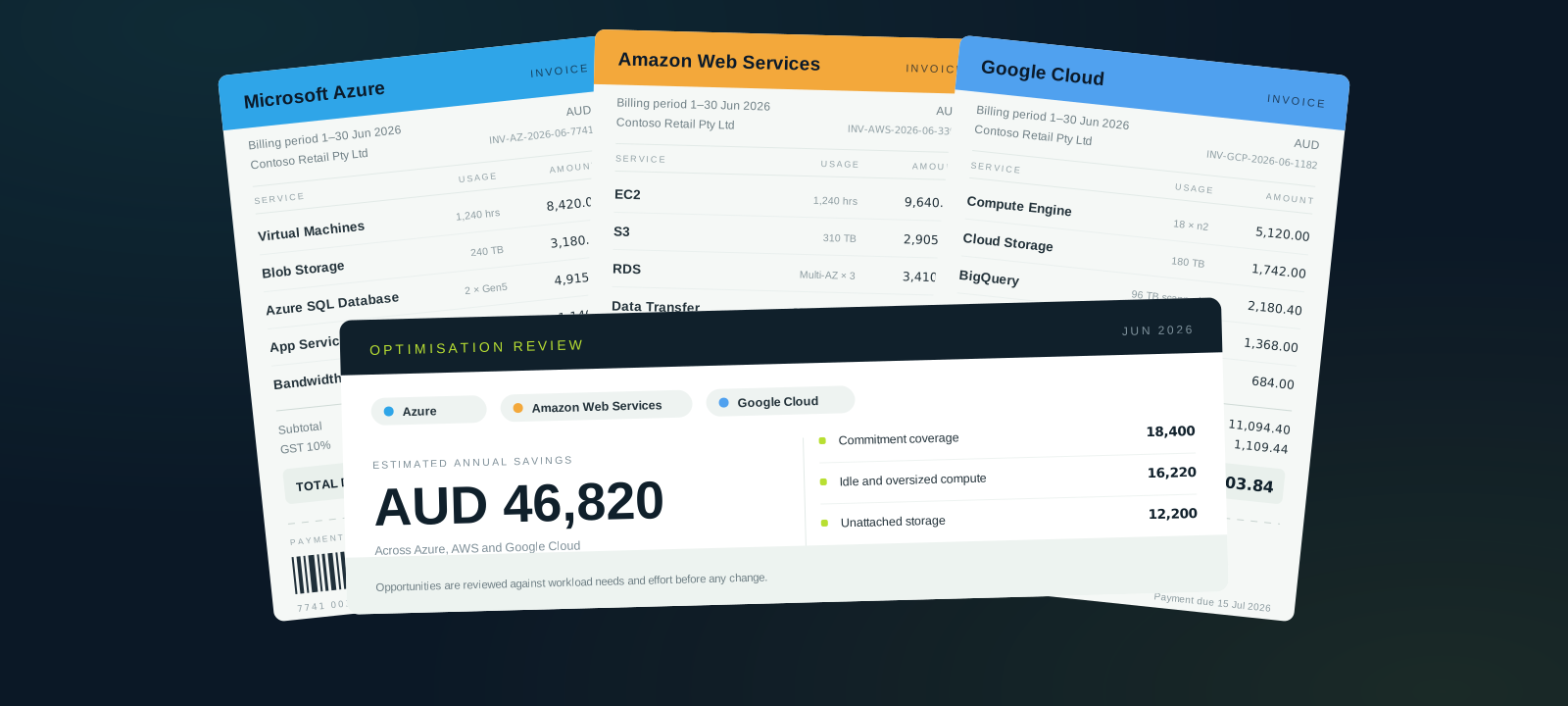
View recommendations from supported cloud vendors alongside Cloud Ctrl's own recommendations in one screen.
See estimated savings, then weigh each opportunity against workload needs and the effort to make a change.
Add house rules that reflect how your organisation actually runs—reservations, licensing, internal standards.
Cloud Ctrl is built and hosted in Australia. Usage and billing data stays in Australian-hosted infrastructure, and a customer-controlled Azure deployment remains available for stricter requirements.
Multi-cloud means multiple recommendation feeds, each with its own currency, sizing and confidence. Recommendations normalises them into one queue with estimated annual savings.
Use the estimates to focus your review. Check workload requirements and business priorities with the responsible team before making changes.
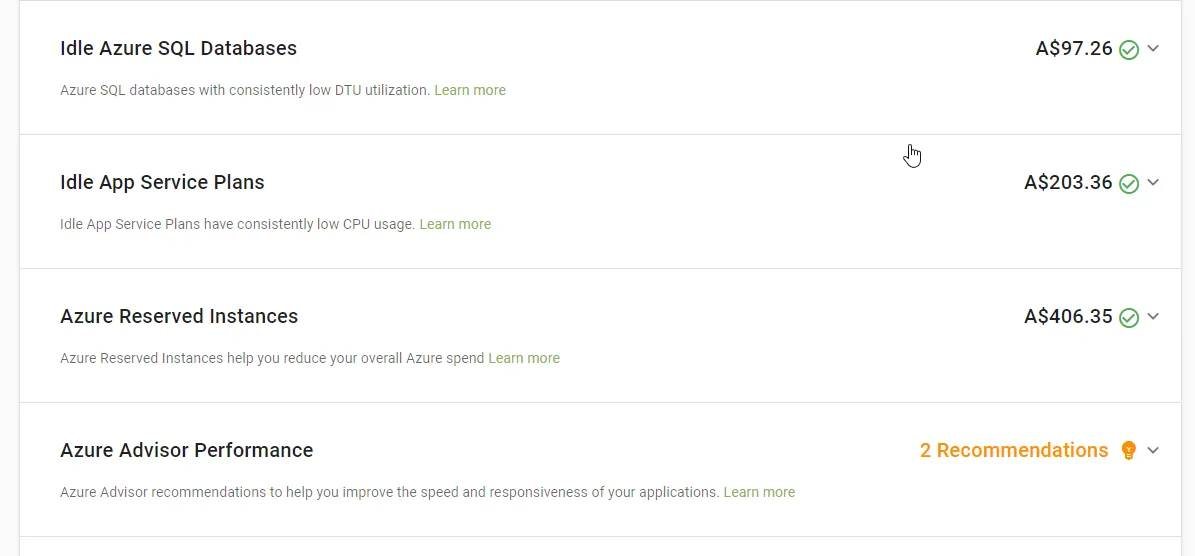
Vendor recommendations do not capture all your business context. Custom rules let experienced operators bring commitments, licensing and internal standards into the review.
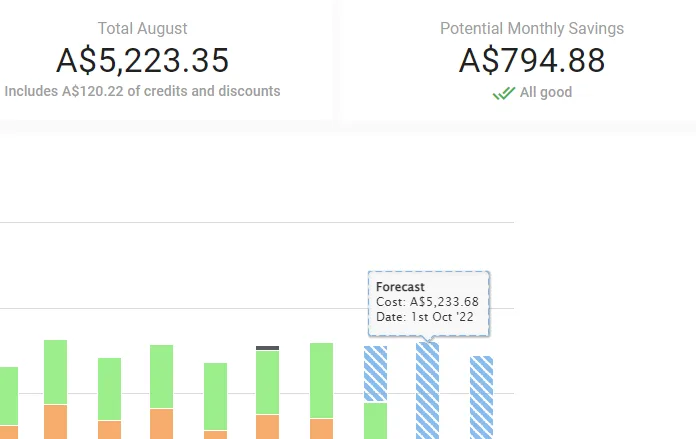
Vendor recommendations and custom rules arrive in one queue.
Review estimated savings alongside workload needs, effort and risk.
Agree which changes to pursue with the team responsible for the workload.
Use cost trends to review spend after a change, allowing for other usage and rate movements.